Maybe you want to show your photos, your illustrations, your writing or your past projects. Maybe a job application asked for "a link to your work" and you froze. A portfolio feels like something only designers and developers can make. It is not.
Short answer: yes, you can build a simple portfolio in Lovable without writing any code. You describe the site in plain words, Lovable builds it, and you improve it by chatting. A small portfolio with a home page, a gallery of your work, an about section and a way to contact you is one of the friendliest first projects there is. Most people can get a first version on screen in under an hour.
Why a portfolio is a great first project
A portfolio is small, it is about you, and you already know all the content. You do not need a login system, payments or a database to get started. That keeps the build simple and keeps your credits under control. It is also genuinely useful: you can put the link in your email signature, your CV or your social profile the same day.
If you are still unsure whether this is really possible without any technical background, read this honest beginner reality check first. It explains what Lovable does for you and where you still need to make decisions.
Before you start: gather five things
The biggest time saver is having your content ready before you write the first prompt. Lovable can invent placeholder text, but your portfolio will feel much more like you if it starts with real material. Put these in a folder on your computer:
- Your name and one sentence about what you do. For example "I am Ana, a wedding photographer in Ljubljana."
- Three to six pieces of work. Photos, screenshots of designs, links to articles or short project descriptions. Fewer strong pieces beat many average ones.
- A short about text. Three or four sentences in your own voice. It does not have to be perfect, you can polish it later.
- How people should contact you. An email address or a link to a profile where you already answer messages.
- A feeling. Two or three words for the style you want, like "calm, light and minimal" or "bold, colourful and playful". A screenshot of a site you like helps too.
Step 1: Start a new project with one clear prompt
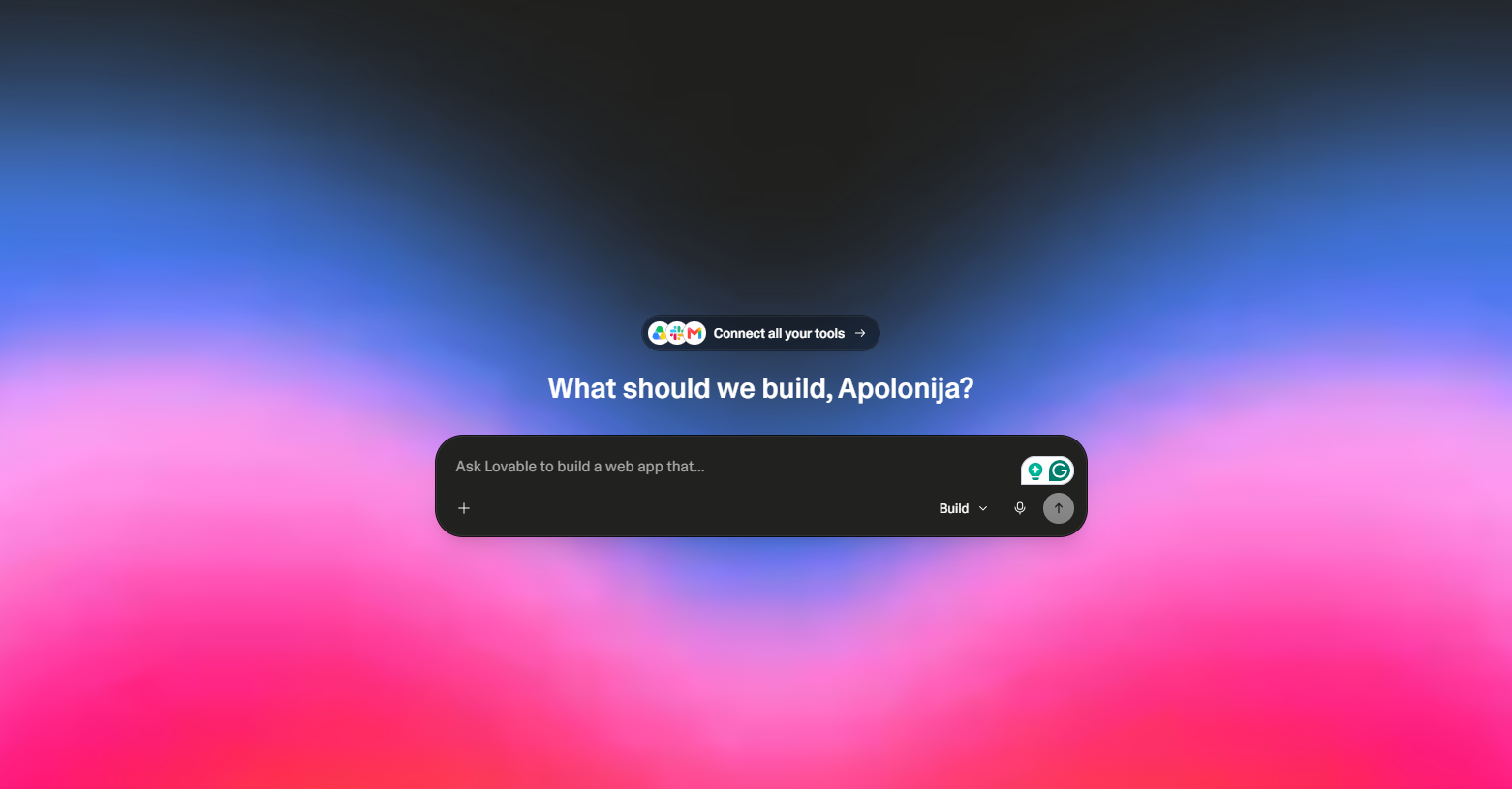
Open Lovable and you will see one large box asking what you want to build. This is where your first prompt goes. You do not need special words. You only need to say what the site is, who it is for and what should be on it.
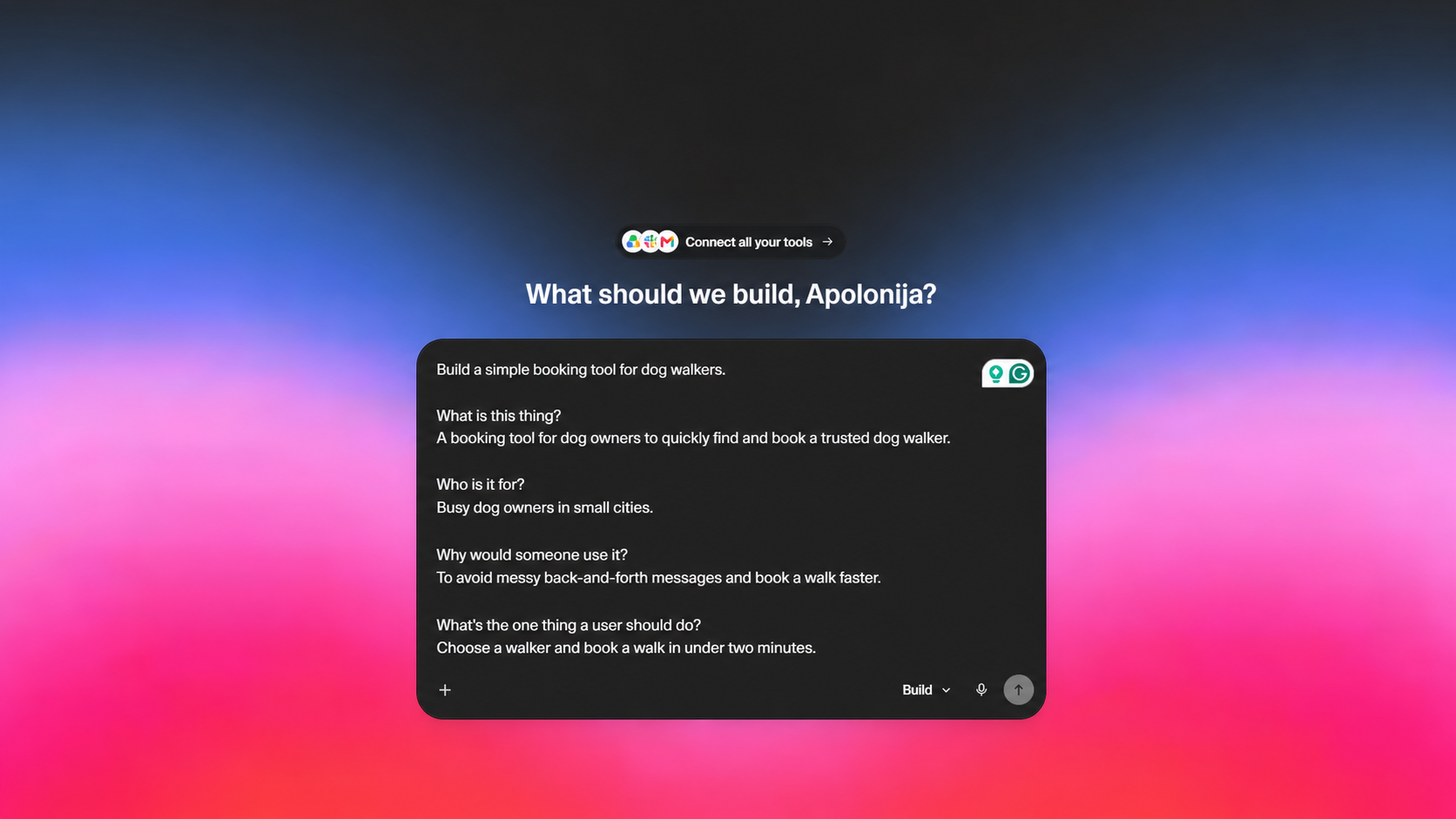
Here is a starter prompt you can copy. Replace the parts in square brackets with your own details. Keep everything else as it is.
Build a simple personal portfolio website for [your name], a [what you do] based in [city or "online"].

Pages:
1. Home: my name, one sentence about what I do, and a button "See my work".
2. Work: a grid of [number] projects. Each card shows an image, a title and one short line. Clicking a card opens a page with a bigger image and a short description.
3. About: a short text about me and a photo.
4. Contact: my email [your email] as a clickable link. No contact form for now.

Style: [two or three words, for example calm, light and minimal]. One accent color: [color]. Clean readable fonts. Mobile first, so it looks good on a phone.

Use placeholder images for now. I will upload my own pictures next.
Notice what this prompt does. It lists the pages, says what goes on each one and gives a clear style. It also leaves out things you do not need yet, like a contact form that stores messages. Smaller first builds come out cleaner. If you want to understand why this works, the guide on how to write your first Lovable prompt explains it in plain words.
Step 2: Look at the first version calmly
After you send the prompt, Lovable builds the site and shows it in a preview. The chat moves to the side, and from now on that chat is how you make changes.
Do not judge the first version too quickly. It is a starting point, not a final result. Click through every page. Ask yourself three questions: Is the structure right? Does the style feel close to what I imagined? What is the one thing that bothers me most? Fix that one thing first.
Step 3: Add your real work
This is where the site starts to feel like yours. You can attach images directly in the chat. Upload one project image at a time and tell Lovable where it belongs, for example:
Use this image for the first project card on the Work page. Title: "Spring wedding at Lake Bled". Short line: "Natural light, relaxed couple portraits".
Then paste your about text and ask Lovable to place it on the About page without rewriting it. If you want help with wording, ask for two shorter versions and pick the one that sounds most like you. Your own voice matters more than polished marketing language.
Step 4: Adjust the look in small steps
Change one thing per message. Small, specific requests give better results than one long list of wishes. Some examples that work well:
- "Make the project images on the Work page larger and add more space between them."
- "Change the accent color to a soft green."
- "Make the heading on the Home page bigger and the sentence below it lighter."
- "On a phone, show the project cards in one column."
If a change makes things worse, you have not ruined anything. Every change is saved as a version, so you can go back. The calm guide on what to do when your Lovable app breaks shows exactly how.
Step 5: Publish and get your link
When you are happy, click Publish. Lovable gives you a free web address that ends in lovable.app, and you can share it right away. Later you can connect your own domain if you want a more personal address. The Lovable pricing guide explains which plan includes a custom domain, so you can decide when that is worth it.
Checklist before you share your portfolio
Run through this list once before you send the link to anyone. It takes about ten minutes and catches the small things people notice first.
- Every placeholder image is replaced with your own work.
- There is no leftover sample text anywhere, including in the footer.
- Your name and email are spelled correctly, and the email link opens a new message.
- Every project card opens the right detail page.
- You checked the site on your phone, not only on your computer.
- Images load quickly. If one feels slow, ask Lovable to make it smaller.
- Every image has a short description for people using screen readers. Ask Lovable to add alt text to all images.
- The browser tab shows your name, not a default title. Ask Lovable to set the page title and description.
- You asked one friend to open the link and tell you the first thing they noticed.
How many credits does a portfolio need?
A simple portfolio is a small project, so it usually fits comfortably within the free daily credits if you prompt clearly and change one thing at a time. The exact number depends on how many rounds of changes you make. If you want to know how credits work and how to get extra ones, read the guide to Lovable free credits.
Ideas to make it even more yours
Once the basics work, you can grow the site slowly. Add a short testimonial from a happy client. Add a page with your services. Add a simple blog where you write about your work. None of these need to happen on day one. If you enjoy building and want another small project, try one of these small apps you can build in an afternoon, or browse the Lovable templates and prompt blueprints for more starting points.
FAQ
Do I need to know any code to build a portfolio in Lovable?
No. You describe what you want in normal language and Lovable writes the code. You only need to know what you want to show and how it should feel.
Can I use my own photos?
Yes. Attach your images in the chat and tell Lovable where each one should go. Use your own work or images you have the right to use.
Is there a ready made portfolio template?
Lovable has an official template gallery with portfolio designs. A template gives you a finished look to start from. A prompt like the one above gives you a site built around your own pages and content. Both are good starting points.
Can I add a contact form later?
Yes. A form that actually stores or sends messages needs a backend, which Lovable can set up when you ask. Starting with a simple email link keeps your first build easier.
What if I do not like the design at all?
Tell Lovable what you dislike and what you want instead, or attach a screenshot of a site you like and say "use this kind of feel". You can also go back to an earlier version at any time.
Your next step
Gather your five things, copy the starter prompt and send it. Your first version does not need to be perfect. It only needs to exist, because a portfolio you can improve is worth more than a perfect one you never start. If you do not have an account yet, you can sign up for Lovable with my invite link and get 10 bonus credits to start.